
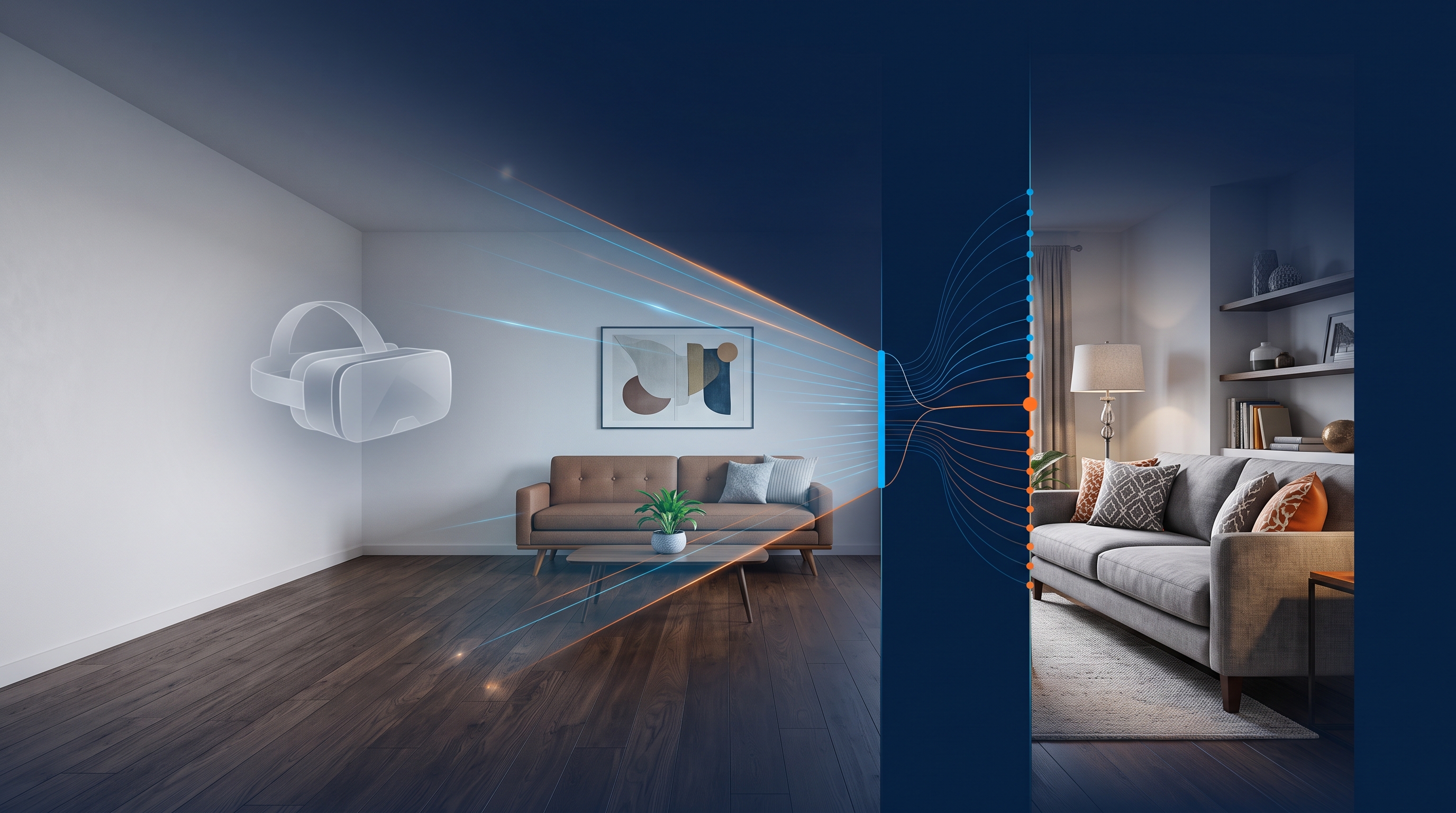
Virtual staging does not replace physical home staging. It helps when a flat is empty or still occupied but an attractive brochure is needed quickly. Understanding where each method fits saves time during property intake while still delivering good images.
The situation: empty or occupied rooms and no time for a makeover
A typical agency situation: the owner has moved out and the flat is empty. The first viewing is in four days, but the brochure needs to go online now. Arranging furniture, decorations and an on-site stylist is difficult in that timeframe, even before considering furniture rental costs and coordinating the photographer and staging company.
This is where virtual staging helps: empty rooms are photographed, digitally furnished and made ready for the brochure in hours rather than days. For occupied homes with unsuitable or excessive furnishings, the process works in reverse: distracting decorations and personal possessions can be removed digitally without physically clearing the rooms.
What physical home staging achieves that virtual staging cannot
On-site staging changes the actual experience of a room. Visitors encounter what they saw in the photographs: furniture, light, smells, acoustics and flooring. That consistency builds trust and prevents disappointment at the viewing.
Virtual staging changes the image, not the room. Visitors will find an empty or differently furnished property. Every virtually staged brochure therefore needs a clear statement that the furnishings were digitally added or altered. This helps prevent misunderstandings and allegations of misleading presentation.
For properties where the emotional experience at the viewing strongly affects the purchase decision, such as expensive detached houses attracting a broad audience, physical staging often remains the better option. The effort can be worthwhile when time and budget allow.
When virtual staging is the more practical option
Virtual staging is useful when time or access is limited:
- The flat is already empty and furnishing it physically would take days or weeks.
- The owner still lives there and does not want unfamiliar furniture brought into the home.
- The brochure needs to go online quickly, perhaps because a portal slot or viewing is already booked.
- A new development has no furniture yet, but prospective buyers need a sense of how the rooms could feel.
In each case, digital furnishing helps show a room's potential in the initial photographs. This is particularly useful for empty rooms, which can look smaller and colder in pictures than they would with furniture.
The Vividomo® workflow: from photograph to brochure-ready image
In Vividomo®, image editing forms part of normal brochure creation rather than requiring separate software. In practice, the workflow is:
- Take photographs during property intake as usual, ideally with good lighting and a straight camera angle.
- Upload them to the Vividomo® brochure editor and assign them to the relevant rooms.
- Apply AI-assisted furnishing to empty rooms to show a furnished version.
- Use digital decluttering for occupied rooms with distracting decorations or unsuitable furniture.
- Use the edited image directly in the brochure without an external image editor.
Property data, original photographs and edited images remain together. The agent does not have to copy files between a camera, image editor and brochure tool. This reduces duplicate work and shortens the path from photography to the finished brochure.
Labelling and transparency for prospective buyers
Virtually staged images should be identified in the brochure or accompanying text. A short note such as “Furniture shown digitally; not included with the property” is usually sufficient. Place it beside the affected images or somewhere clearly visible in the brochure, rather than hiding it in small print.
This addresses two problems: disappointment when a viewing does not match furnished photographs, and uncertainty if the brochure suggests that the furnishings are included in the sale. Digitally added kitchens or built-in furniture that do not physically exist are particularly likely to cause questions or dissatisfaction without clear labelling.
A second example: an occupied flat with too much furniture
A couple is selling the late mother's flat. The rooms are filled with decades of furniture, rugs, pictures and personal possessions. The furnishings cannot be moved before the first photography session because the inheritance arrangements are unresolved, but marketing needs to begin.
The answer is digital decluttering: removing personal objects, overcrowded shelving and unsuitable textiles from the photographs brings windows, light and room layout to the foreground. Buyers see tidy, neutral rooms without anything having been physically removed. At the viewing, a brief explanation prevents surprise when the flat is still fully furnished.
The distinction is clear: empty rooms gain furnishings, while overcrowded rooms lose distractions. Both workflows use the brochure editor, without requiring the agent to switch tools.
Common mistakes in virtual staging
The same pitfalls regularly appear in practice:
- Missing labels: edited photographs without a clear notice create misunderstandings at viewings.
- Unrealistic furniture: digital items that would not fit the actual room undermine the credibility of the whole brochure.
- Excessive editing: major changes to light, colours or proportions create a gap between expectations and the viewing.
- Using staging to compensate for poor photography: digital furniture does not automatically improve a blurry or badly lit photograph. The original image quality remains crucial.
- Using it where the physical experience matters most: for very expensive or lifestyle-focused properties, an image cannot replace the experience of the room itself.
Quick virtual staging FAQ for estate agents
Is virtual staging useful for every property type? It helps with flats and houses where the impression of the rooms matters. For highly individual properties, such as listed buildings, the actual on-site experience should receive greater emphasis.
Does every photograph in the brochure need a label? Identify every image where furniture has been digitally added or removed. A central notice can be sufficient if it is clearly visible.
Can virtual staging affect the purchase price estimate? No. Editing changes the presentation of the rooms, not the basis for the estimate. A Vividomo® purchase price estimate supports the agent and does not replace professional on-site assessment.
Is virtual staging worthwhile in unfurnished new developments? Yes. Until a show flat exists, it is often the only practical way to give buyers a sense of the rooms.
Conclusion: two tools for different situations
Physical and virtual staging complement each other. When time, budget and access permit, physical furnishings are the more dependable option because photographs and viewings match. When rooms are empty, deadlines are tight or existing furniture is obstructive, virtual staging in Vividomo® offers a quick, understandable solution, provided the editing is realistic and clearly labelled.
To see how AI-assisted furnishing and decluttering fit into your brochure workflow, try a demo or free trial at vividomo.ai.